
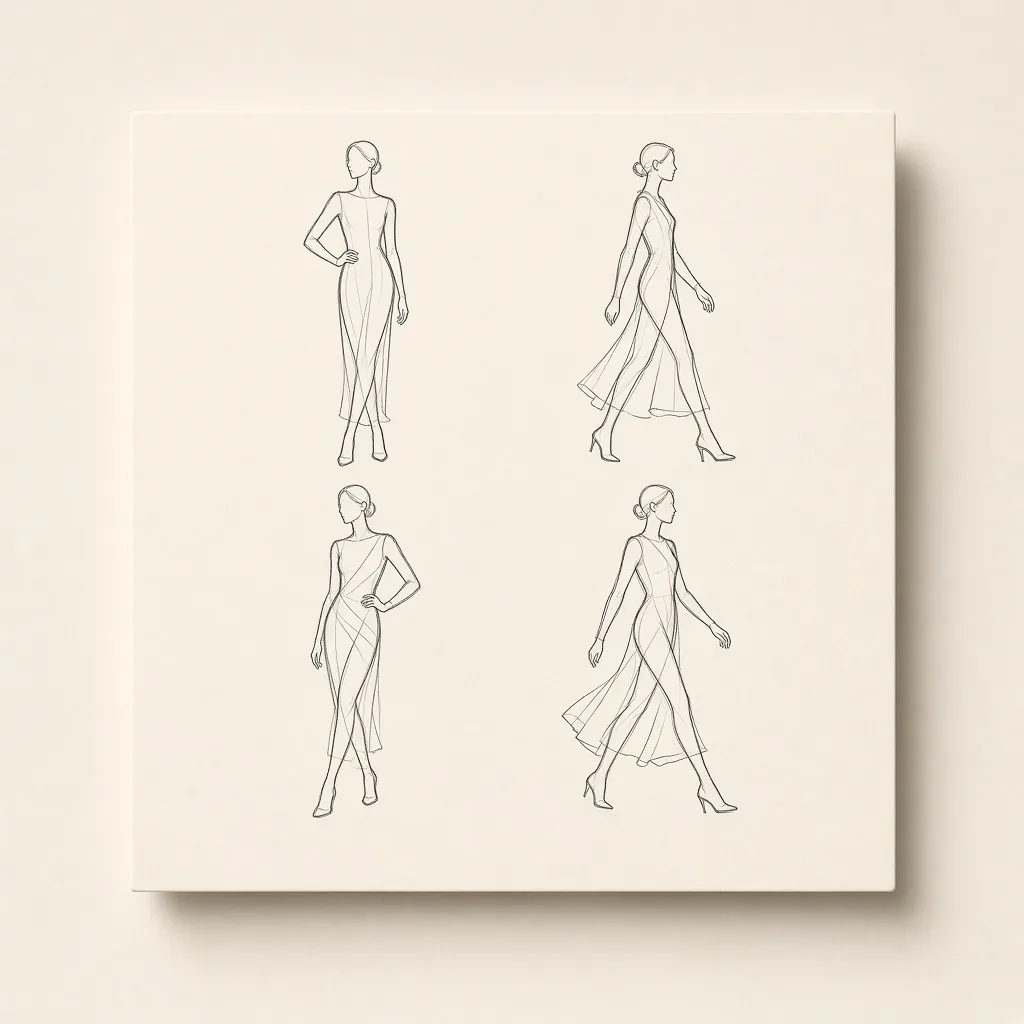
Pose library for structure
Multi-angle line sheets feed the pose slot so body language and framing stay controllable.
Four steps · Four scene packs
Lock body structure with a pose, add garment and character refs in four steps, then generate ecommerce try-ons, drama stills, social personas, or OC art—not another generic image tool.
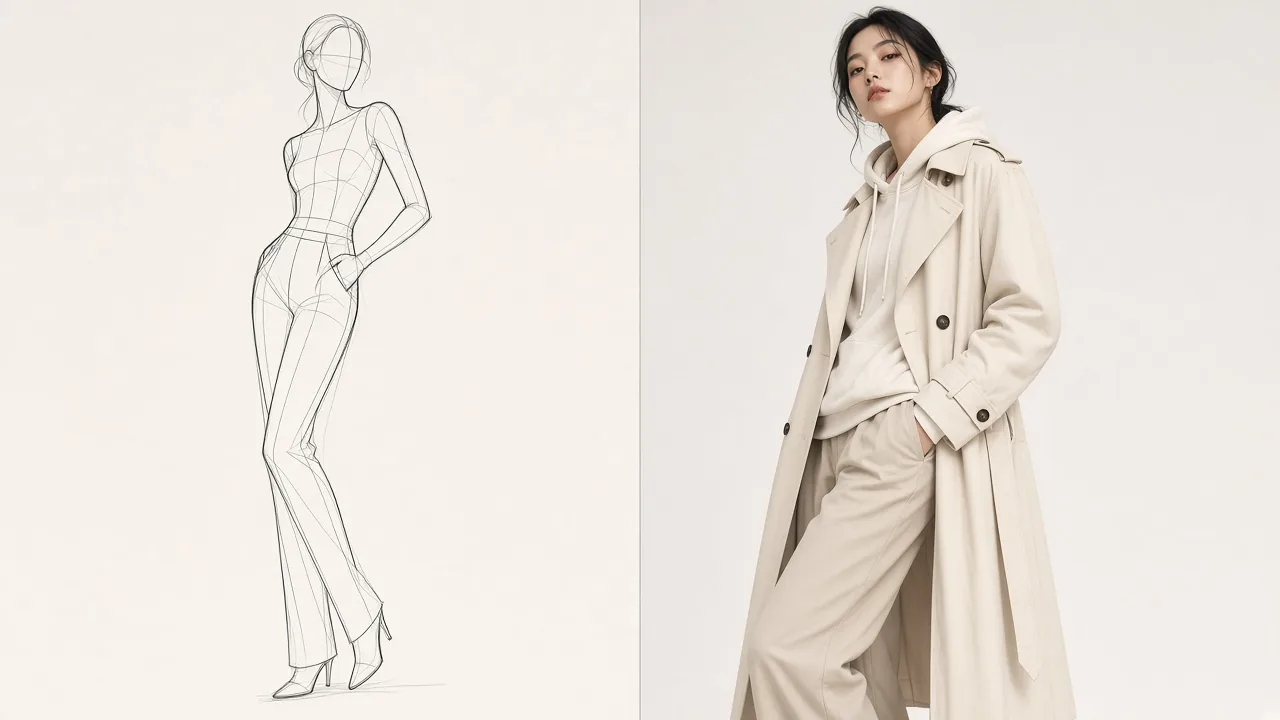
Pose → main reference → secondary reference → result. Scene packs may reorder the middle two, but the path stays four steps.
Pose for structure, garment for style, character for identity, scene packs for story—the same four steps you see in the empty studio.
Multi-angle line sheets feed the pose slot so body language and framing stay controllable.
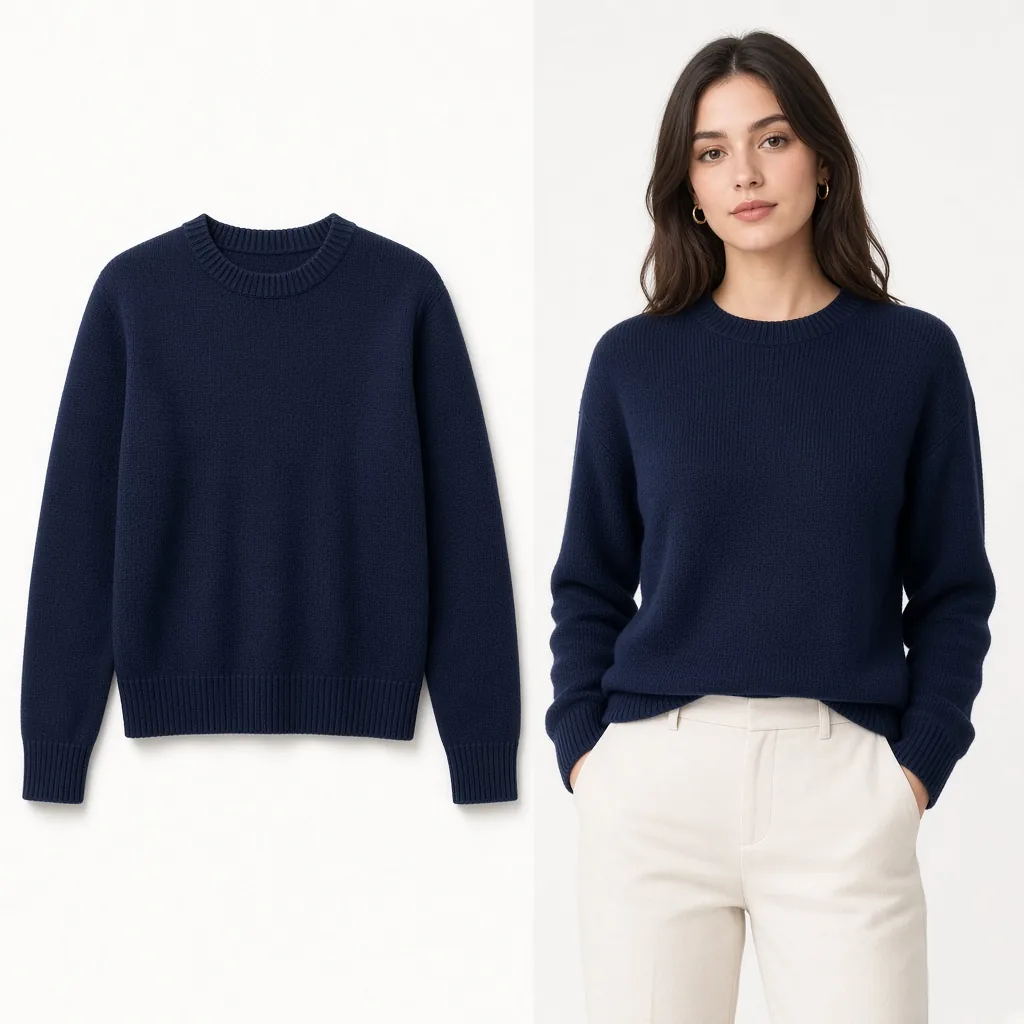
Upload flat lays or product shots for cut and fabric; add a character ref to lock identity. Scene packs may swap which comes first.
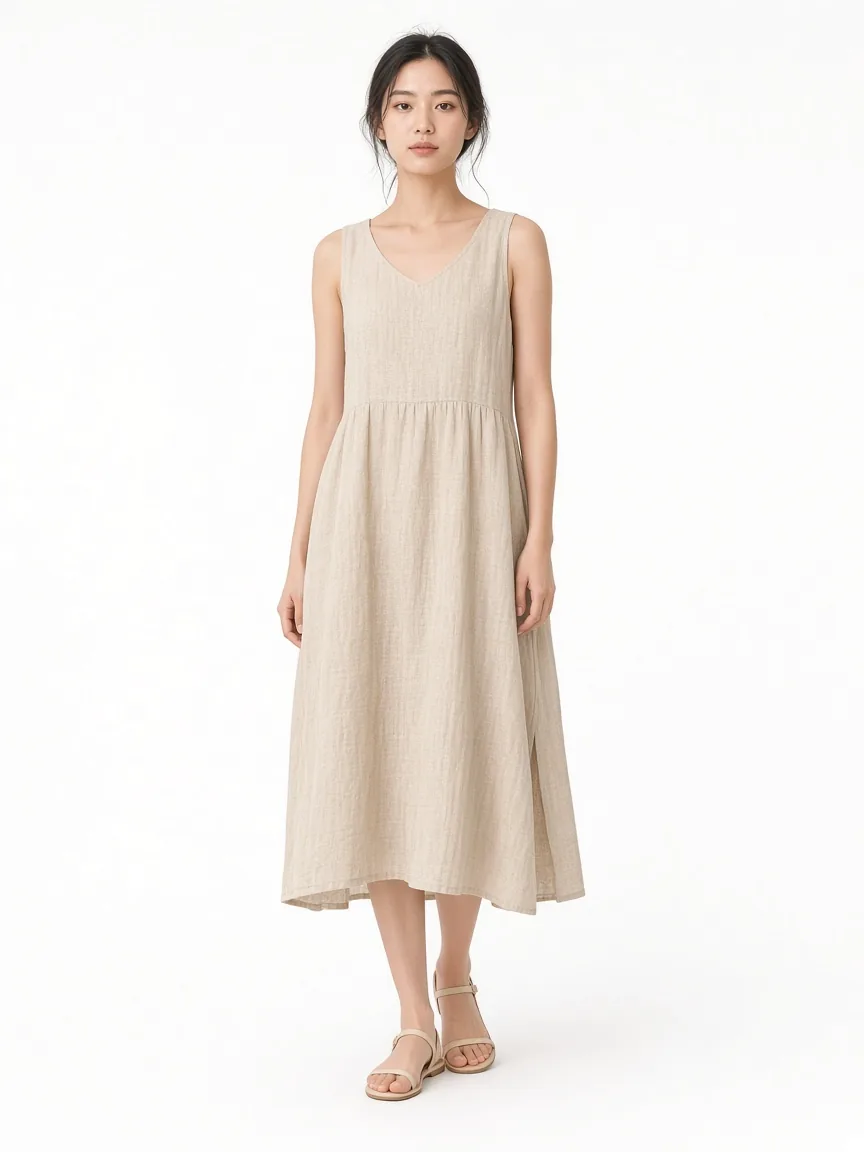
Ecommerce, drama, social, OC—shown by feature flags; disabled packs stay off the home page and studio.
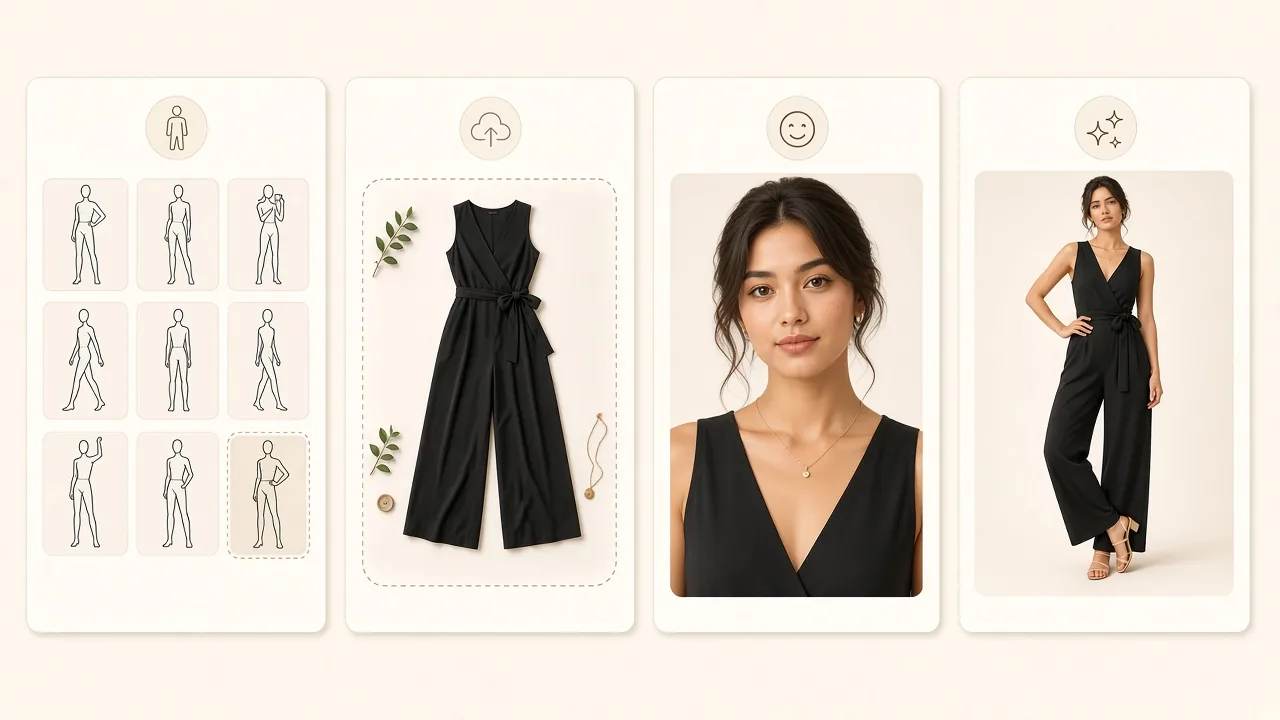
Pose → main reference → secondary reference → result. Scene packs may reorder the middle two, but the path stays four steps.
Choose a display pose and switch front, diagonal, side, and other angles to lock body structure.
Ecommerce leads with garment/product; drama and social lead with a face lock; OC leads with a character reference.
Fill the other slot when needed—character, costume, or look. On most packs this step is optional.
Confirm the scene pack, generate, save to My Creations, and compare against the pose sheet.
One four-step pose engine, different recommended poses and prompt templates per vertical. Disabled packs stay off the home page and studio.
Showing 1 enabled scene packs
Ecommerce try-onCatalog path: pose → garment → character (optional) → result for main images and try-on shots.Try in studioAbout the pose library, garment references, scene packs, and credits.
It follows a four-step flow: pose line sheet + main reference + optional secondary reference into a controllable result. You choose pose and scene pack instead of gambling on a blank prompt—ideal for ecommerce try-on, drama stills, social personas, and OC art.
Built-in poses come from the Shisei CC0 gallery and may be redistributed commercially; keep the NOTICE for directory naming. Check LICENSE-images and NOTICE before shipping the template.
Ecommerce is on by default for white-background catalog try-ons; drama favors cinematic stills and character lock; social favors cover crops; OC favors character sheets. Toggle them in Admin—disabled packs stay out of nav and the homepage.
No. The third studio step is usually optional: ecommerce often needs a garment/product shot with an optional character ref; drama/social often need a face lock with an optional costume. Without a character ref, the model invents a fitting model for the pose and outfit.
Credits still follow model × resolution. Estimated cost shows before generate; failed tasks refund. You can later add a pose-reference weighting factor in settings.
Generic sites sell prompts and models. This template sells a pose engine plus switchable scene packs—buyers rebrand a vertical studio instead of cloning another text-to-image homepage.
Pick a pose, add garment and character refs, and finish in four steps. Results land in My Creations.